Order & Setup Method Preference

How Would You Like to Set Up Your Invitation?

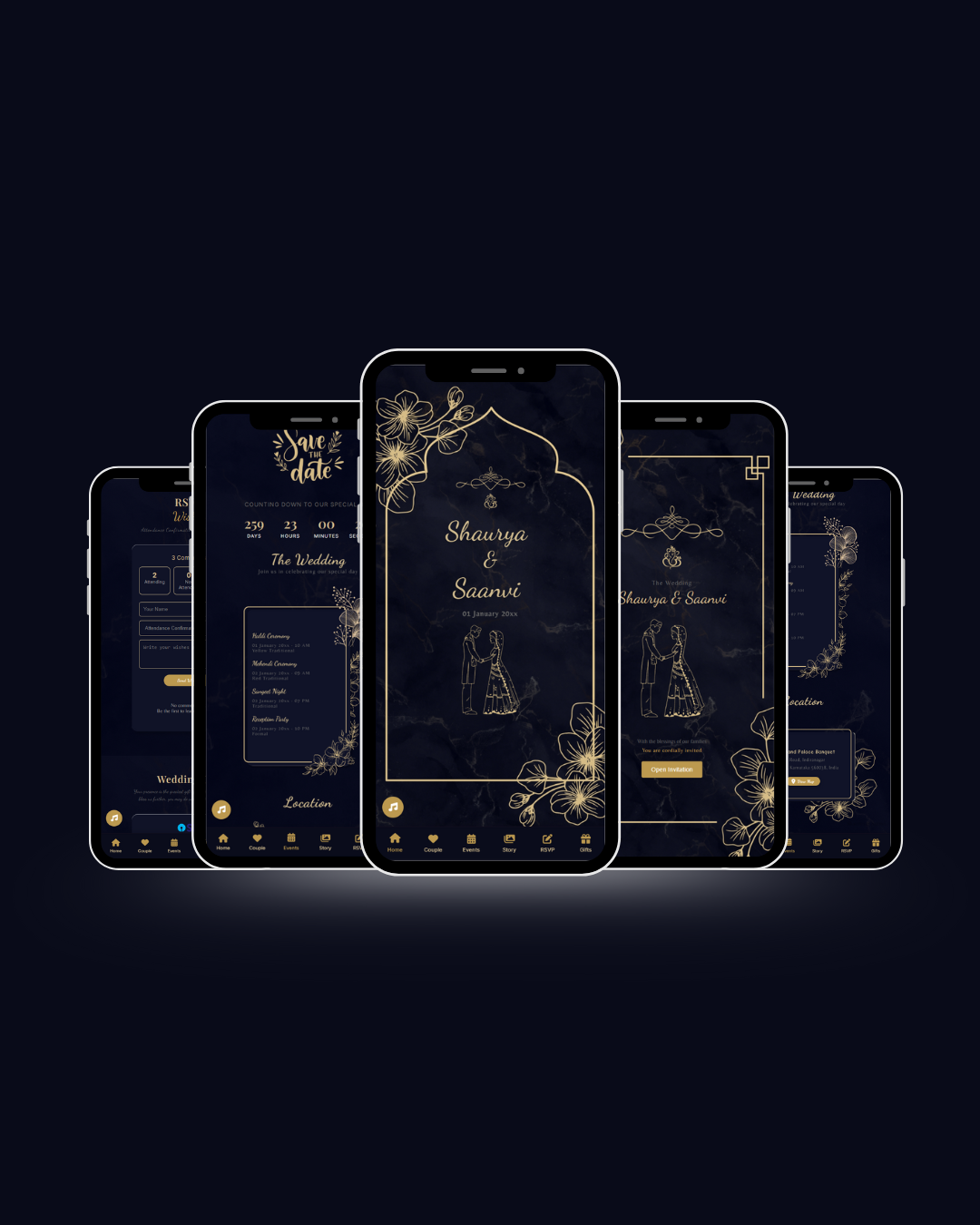
Template: Celestial Blue. Choose whether you'd like our dedicated Admin team to configure everything for you or customize it yourself online.

Fully Managed

1. Setup by Admin Team

Ideal for a completely hands-off experience. Send your event schedule, photos, & music via WhatsApp, and our team handles all data entry.

  • Send text, photos & schedule via WhatsApp
  • Admin team formats and arranges layout
  • Free revisions & direct live preview
Instant Self-Service

2. Self-Service Online

Configure and customize your invitation independently through our 5-step wizard and real-time smartphone simulator.

  • Structured 5-step guided process
  • Live interactive smartphone editor
  • Instant invoice & broadcast links
Need assistance or advice? You can always reach out to our customer support team anytime.
Home Catalog Order Wizard
Warning Fill in Data Accurately

Please make sure all information and selections are correct. You cannot go back to previous steps to edit or re-enter data once you proceed.

Selected Invitation Template

The design selected from the catalog
Selected

Celestial Blue

CLASSIC

Elegant premium digital wedding invitation equipped with interactive animations, Google Maps navigation, RSVP & guestbook, photo gallery, love story, and background music.

₹ 1,400 ₹ 999
Save 29%

Optional Add-ons & Extra Features

Compatible add-ons for CLASSIC
Optional
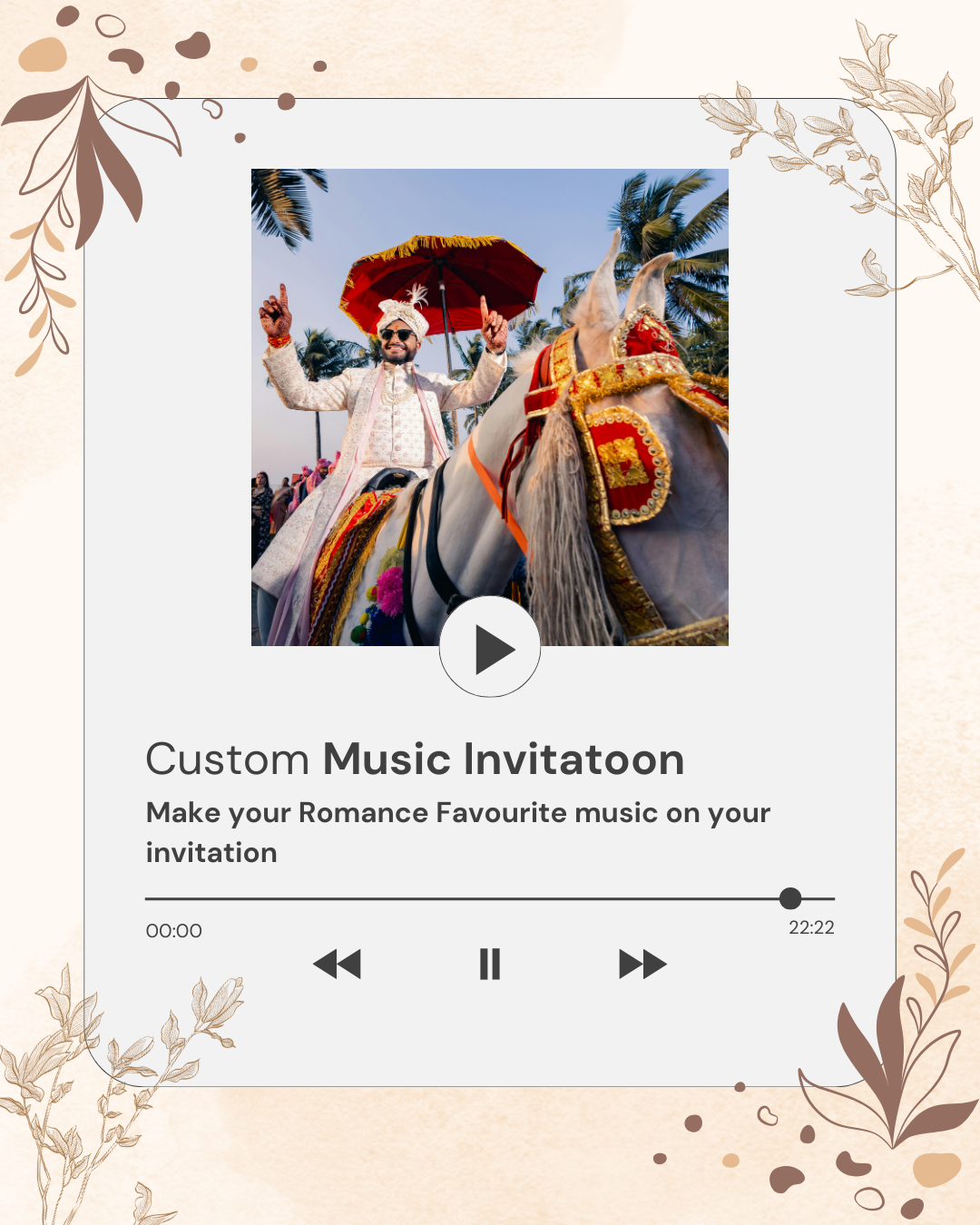
Customized Music

Customized Music

All Themes
₹ 300

Order Summary

Step 1 of 6
Celestial Blue
₹ 999
Grand Total

Includes all active template features and applied discounts.

By proceeding, I agree to the Terms & Policy.
Secure Payment & Fast Verification

2. Customer Details & Due Date

Fill in your contact information and target delivery date for your order.

Warning Fill in Data Accurately

Please ensure your name, WhatsApp number, email, and target date are correct. You will not be able to go back to edit contact details once you proceed to the payment step.

A. Customer Contact Details

Country code + 10-digit mobile number (e.g. 919220969749 or 9220969749).

Official invoice receipt and order details will be sent to your email.

B. Target Due Date & Delivery

Specify when you need your digital invitation ready.

Selected Item: Celestial Blue
Grand Total:
Warning Fill in Data Accurately

Please ensure all your order details are correct. Once payment is completed via the payment gateway, you can immediately customize your wedding invitation.

Payment Verification Progress

Live transaction lifecycle and verification status

Current Status:
1. Awaiting Payment
2. Processing Verification
3. Payment Completed 3. Payment Failed 3. Invoice Expired 3. Order Completed
Modules Activated Action Required Renewal Required Awaiting Verification

Invoice & Billing Details

Awaiting Payment Processing Paid / Complete Failed / Rejected Expired
Item Description Subtotal
Celestial Blue
Digital Wedding Invitation Template
₹ 999
Grand Total
Customer:
Need to Change Design or Details?
Cancel this pending order and return to Step 1.

1. Complete Payment

Pay securely via Payment Gateway

Awaiting Payment
Payment Window:
23h : 59m : 45s
Amount to Pay
Supported Payment Channels:
UPI (GPay/PhonePe) Cards (Visa/Master/RuPay) NetBanking
256-bit SSL Encrypted & Secure Payment

Payment Gateway Unavailable

Online payment gateway is currently under maintenance. Please contact our support team via WhatsApp to proceed with your order.

Contact Support on WhatsApp
2. Status: Processing Payment

Payment Processing

Your transaction for invoice is being verified with the payment gateway.

Transaction Timeline
Order Registered
Total: ₹
Gateway Settlement Verification
Awaiting gateway capture confirmation
3. Status: Complete & Verified

Payment Verified Successfully!

Your payment of has been verified and confirmed.

Invoice Status: PAID & ACTIVE
Invoice Number:
Verified At: 13 Oct 2026, 09:26 PM IST
Next Action: Manage Invitation Content (Step 4)
Preview Default Invitation
4. Status: Payment Failed

Payment Transaction Failed

The payment transaction for invoice could not be completed.

Possible reasons:
  • Payment modal was cancelled or dismissed before finishing.
  • Transaction was declined by your bank, UPI app, or card issuer.
  • Payment session timed out or network connection was interrupted.
Contact Admin for Help
5. Status: Invoice Expired

Payment Window Expired

Invoice has expired because the 24-hour payment timeframe lapsed.

Expiration Notice: 24-Hour Period Passed

Don't worry! You can generate a new payment invoice or renew this order instantly to continue your invitation customization.

Contact Support on WhatsApp
Template: Celestial Blue Step 4 of 5: Content Editor

Manage Invitation:

Open Preview
Warning Verify All Invitation Details

Please ensure that all event dates, venues, couple names, and gift account information are entered accurately before proceeding to finalize your order.

Single-Panel Accordion (Click any section to open)
https://elegantind.com/i/

Use lowercase letters, numbers, and hyphens (-). Example: shaurya-saanvi

Event Sessions & Rundown

Manage and organize unlimited wedding event sessions in your preferred order.

Bank / E-Wallet Accounts

Attending 0
Tentative 0
Declined 0
No Guest Name Attendance Wishes & Prayers Action
No RSVP wishes received yet from guests.

Standard Invitation Package

This order currently has no optional add-ons purchased. You can upgrade and attach add-ons to this order anytime.

Ready to finalize your wedding invitation?

All configurations are saved and will appear in your live invitation.

9:41

Real-time interactive mobile preview simulator.

Warning Order Completed & Finalized

Your order is officially completed and finalized. Please make sure all data was entered correctly. You can still make edits to your invitation content via Step 4 (Manage Content) or from your customer dashboard.

Order Status: Completed & Active

Congratulations! Your Order is Complete

Thank you for ordering with Elegant Invitation. Your digital wedding invitation is ready and can now be distributed to your guests.

Digital Invitation Link & Distribution
Custom Guest Name Parameter: ?to=Guest+Name
Order Recap & Details
Template Name: Celestial Blue
Customer Name:
WhatsApp Contact:
Target Needed Date:
Total Paid:
Dashboard Access:

You can log in anytime to update your invitation text, guest lists, and event schedules.